
Neighbourhood café · fictional demo
Slow coffee, warm pastries and a table by the window
Ember & Oat is a made-up café used to show a fast, hand-coded website whose owner can update the menu, prices and photos on their own — no developer needed.
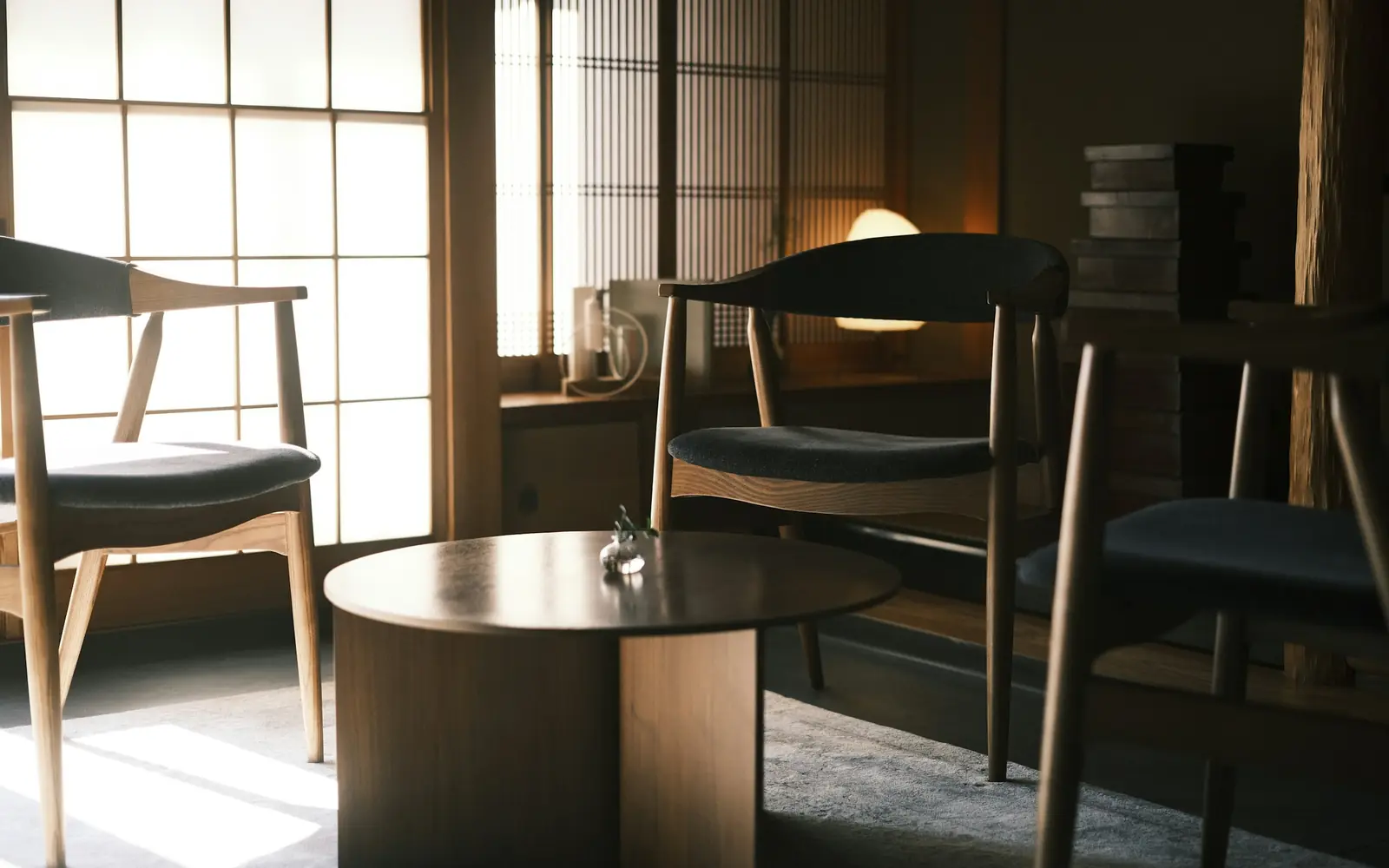
Editable by the ownerTexts · prices · photos
Why people stop by
Small café, big care
Photo cards like these are easy to swap: upload a new picture, add a short description, save.

Coffee made with patience
Seasonal beans, carefully dialled in every morning and served the way you like it.
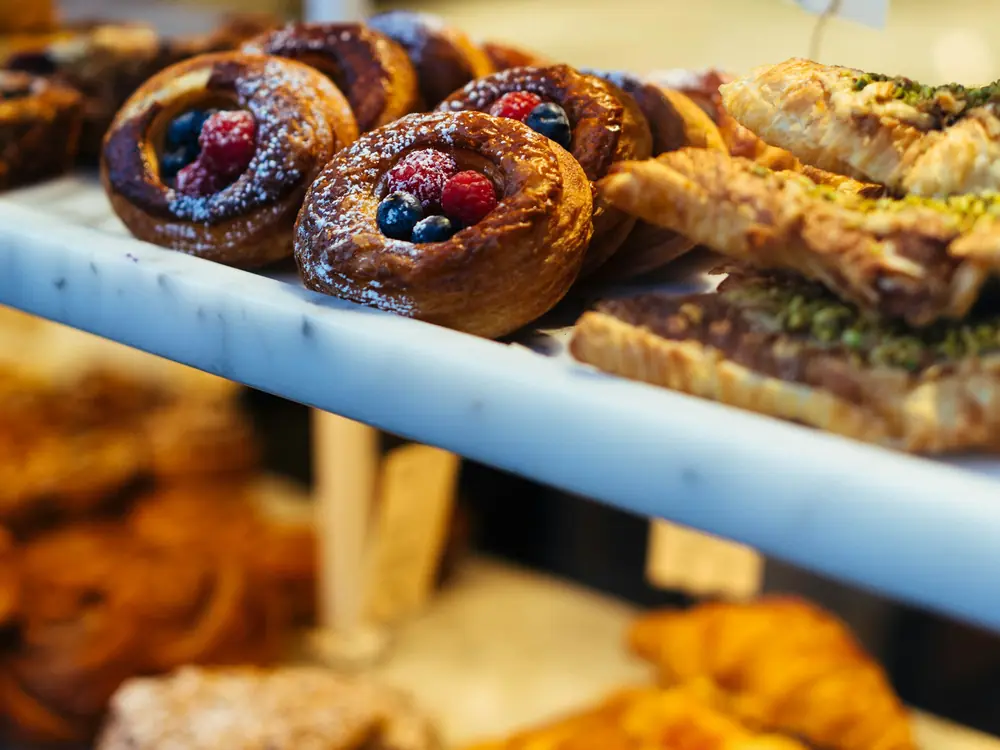
Fresh from the oven
Croissants, buns and pastries baked in small batches throughout the day.
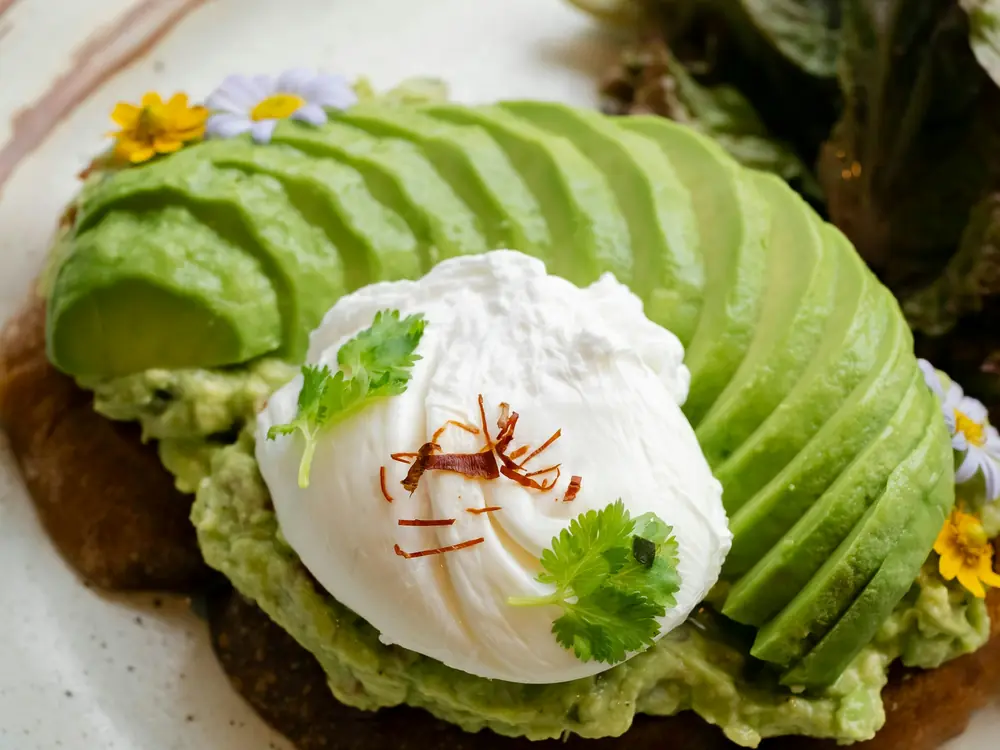
Brunch, all day
Simple plates with good bread, fresh greens and eggs cooked to order.

Our story (fictional)
A corner café for slow mornings
Ember & Oat is an imaginary café created for this website demo. The story, menu and opening hours are sample content written to show how a real small business site could look.
In a real project, this is where the owner tells their story in their own words, and updates it whenever something changes: a new barista, a seasonal menu, a holiday schedule.
Opening hours & location
Hours and address are placeholders — the owner can update them in seconds, for example before a holiday.
AddressYour street address hereDemo CityOpening hours
- Monday – Friday
- 7:30 – 18:00
- Saturday
- 8:30 – 17:00
- Sunday
- 9:00 – 15:00
Sample hours for a fictional café.
For business owners
Edit it yourself, no developer needed
This site is hand-coded for speed, but every text, price and photo above is editable in a visual editor. Here is a real recording of changing a price.
-
Open the editor
The owner logs in at yoursite.com/admin and sees their own page next to simple, labelled fields.
-
Click and type
Change a price, a heading or a photo. The page preview updates live while typing.
-
Press Save
The change goes live automatically after a quick rebuild, typically in a minute or two. No developer, no code.
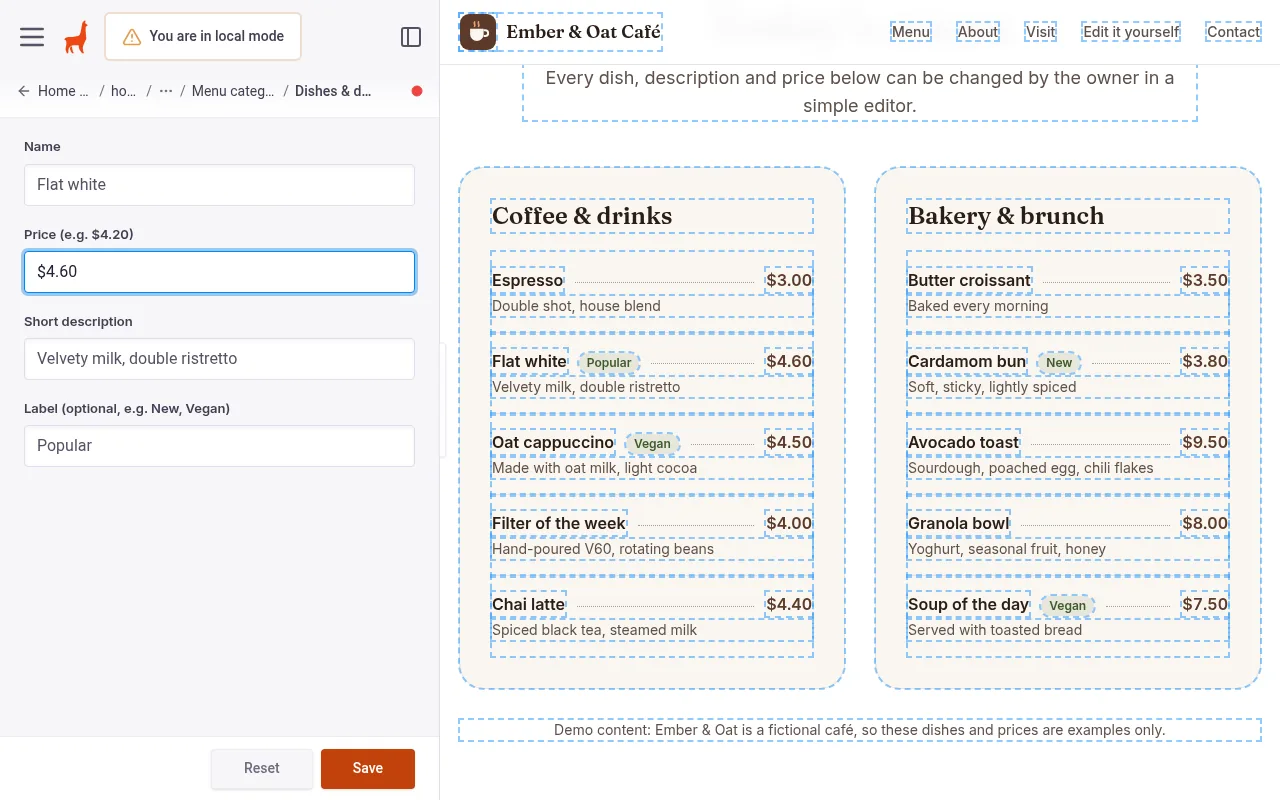
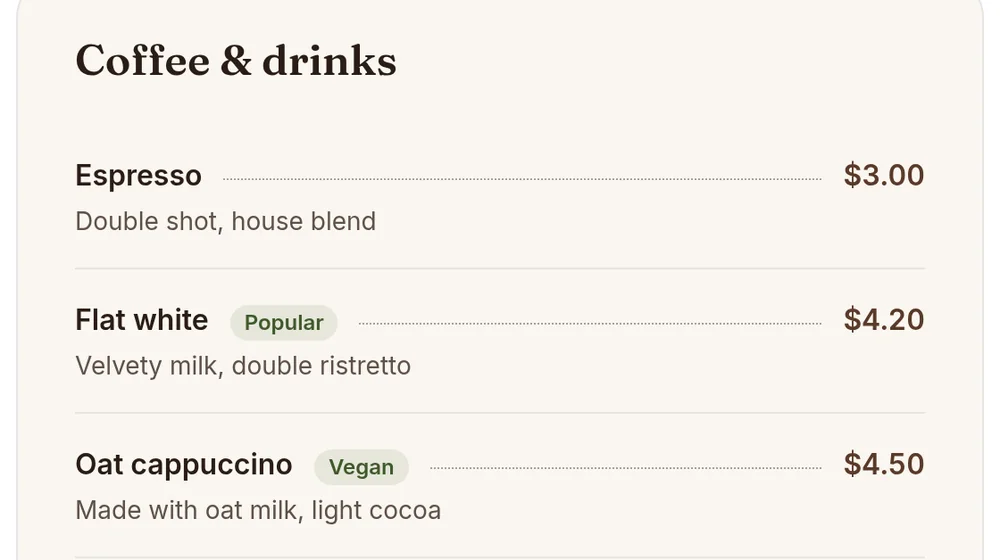
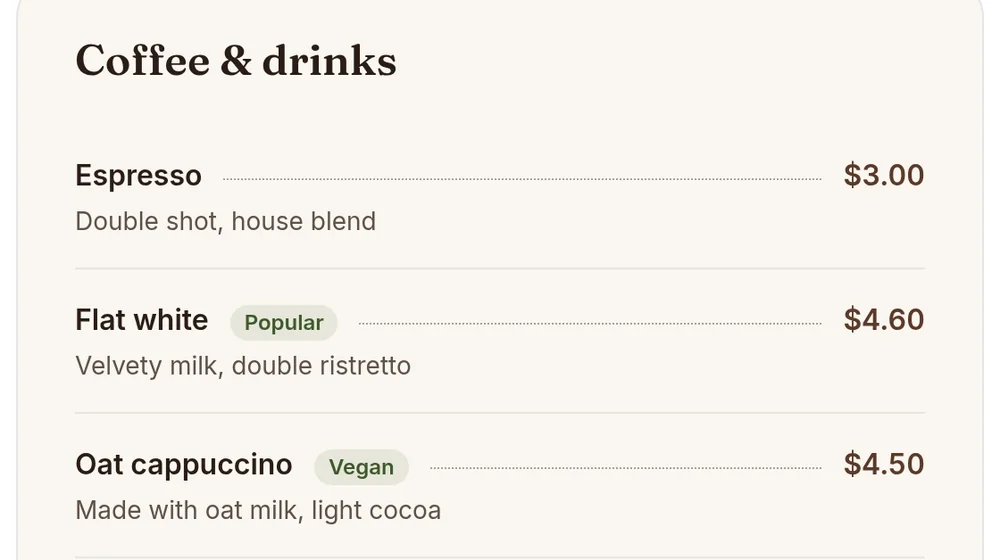
On this public demo the editor is shown as a recording. In a client project it runs at /admin behind a secure login (TinaCMS + GitHub, free tier for small sites).
See the full step-by-step walkthrough
Get in touch
Questions, table bookings for groups or catering? Send a message. (On this demo the form is not connected, so nothing is sent.)
Demo form. Messages are checked in your browser only and are not sent or stored anywhere.