
Walkthrough
How the owner edits this website
A fast, hand-coded site usually means calling a developer for every small change. Not here: texts, prices and photos are edited in a visual editor (TinaCMS). These screenshots were taken on this exact site.
Step by step
-
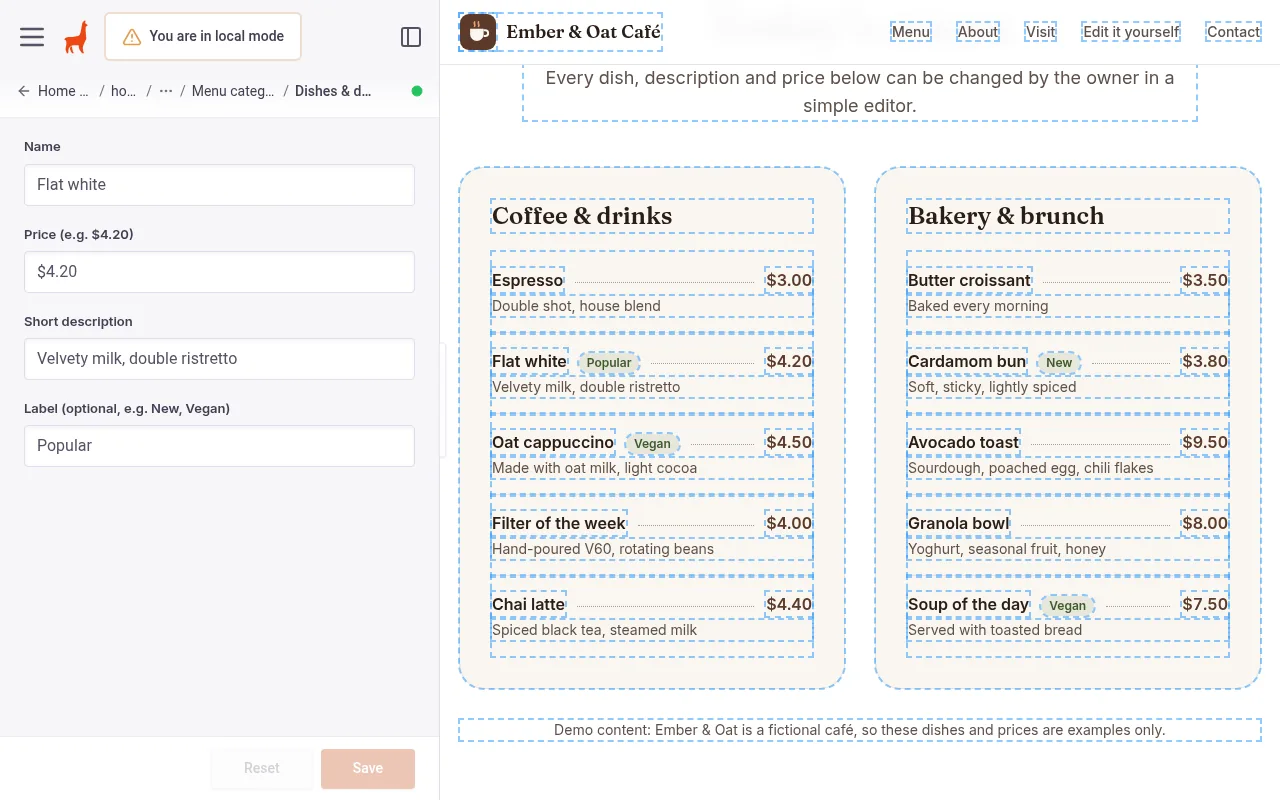
The owner opens the editor
Their real page on the right, simple labelled sections on the left: "Top banner", "Menu & prices", "Opening hours"… No code, no technical terms.
-
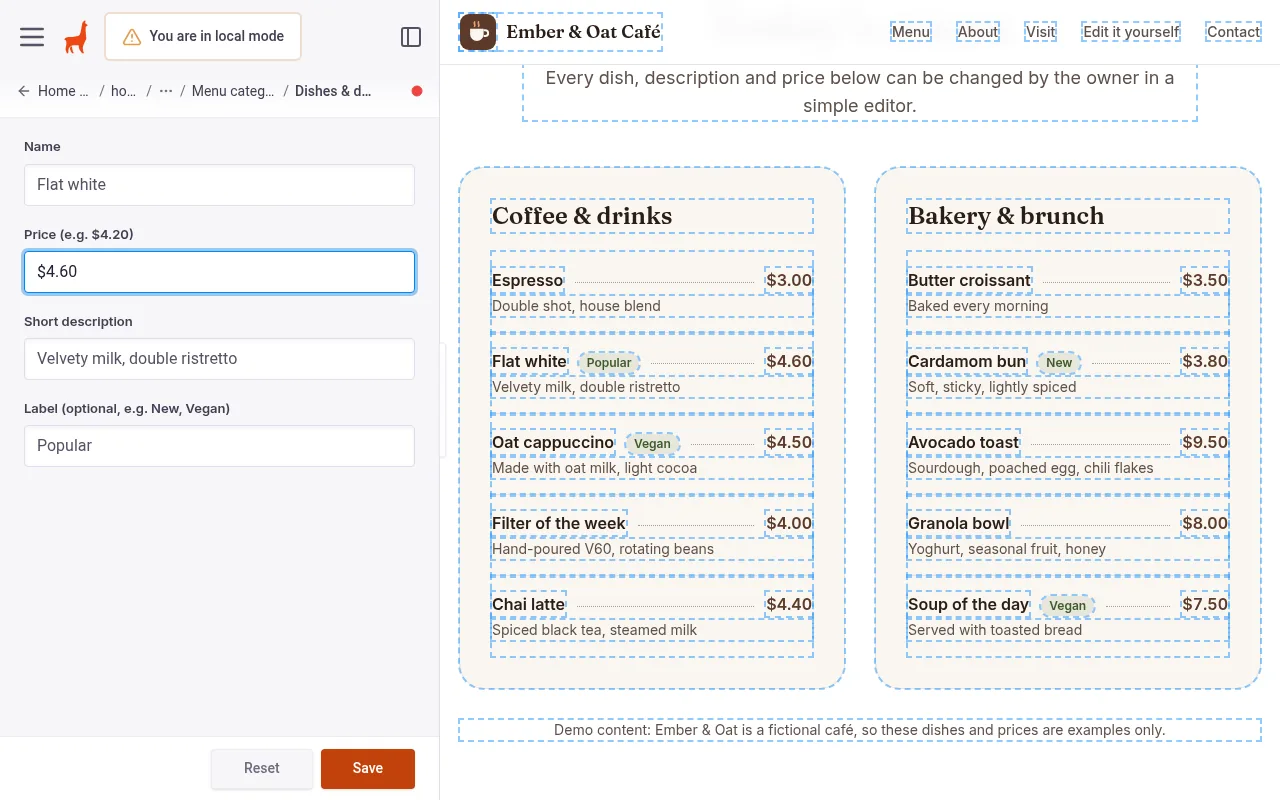
Changes a price and sees it live
Typing a new price for the Flat white updates the preview instantly, before anything is published.
-
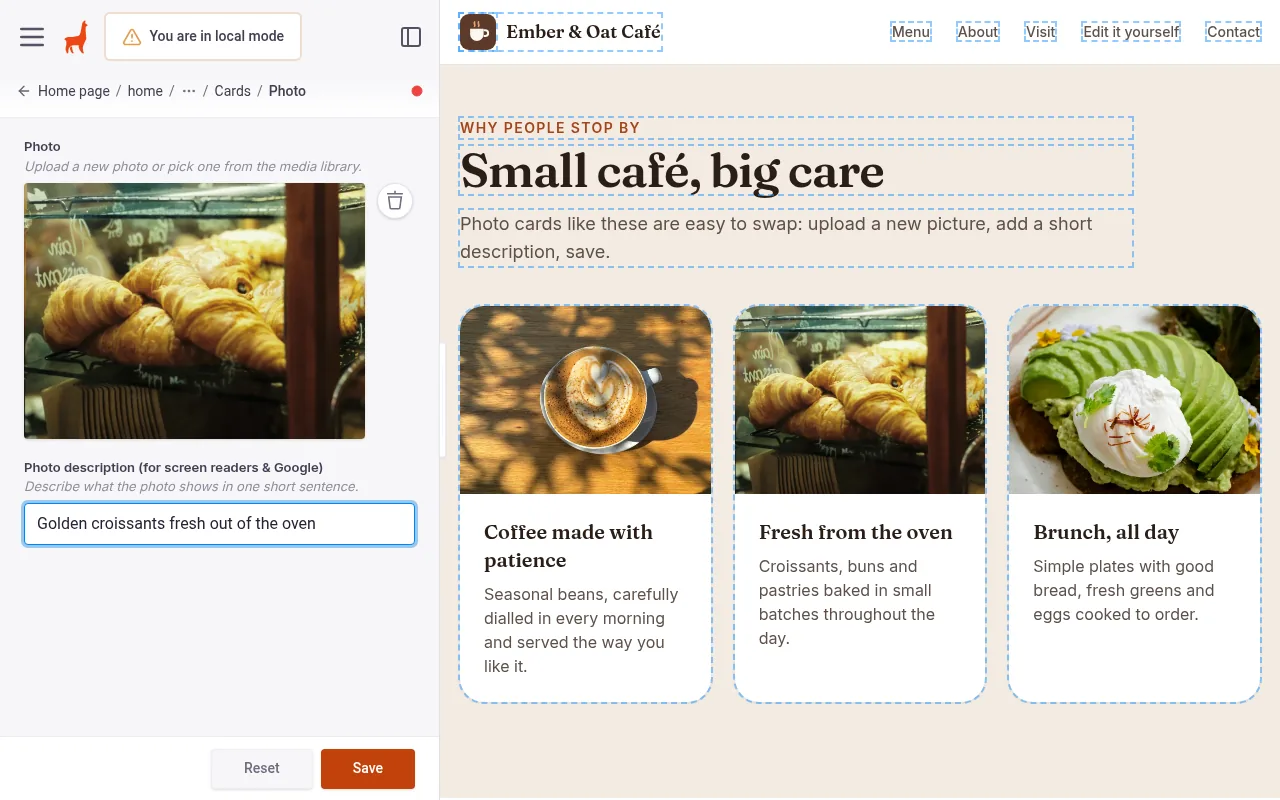
Swaps a photo
Upload a new picture from a phone or computer, add a one-line description for accessibility, done.
-
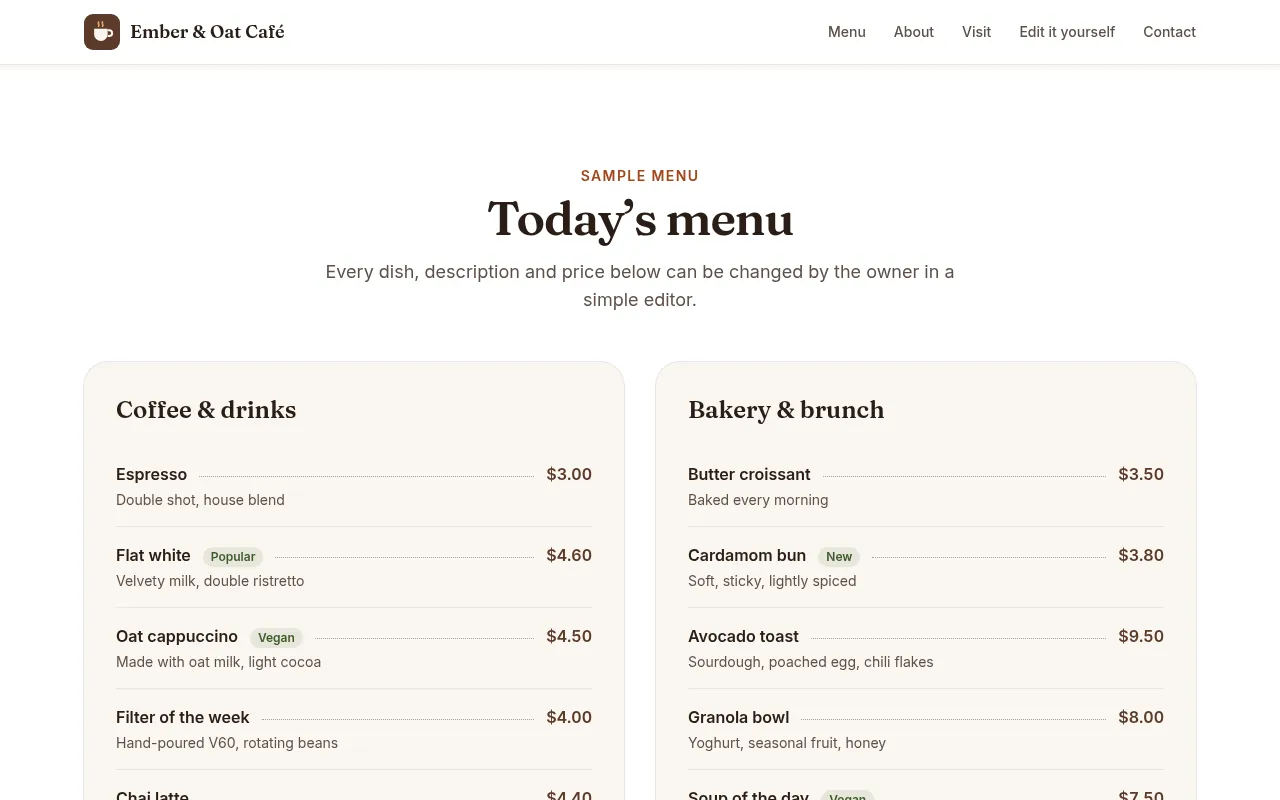
Presses Save
The change is saved to the website’s content. On the live site it goes online after an automatic rebuild, typically within a couple of minutes.
What the owner can edit
- Headlines, paragraphs and button texts
- Menu items, descriptions and prices
- Photos and their descriptions
- Opening hours, address and contact details
- Google title, description and social share image
How it is built
- Hand-coded with Astro and Tailwind CSS: static HTML, almost no JavaScript
- TinaCMS visual editor, content stored in the site’s own Git repository
- Hosted on Cloudflare Pages’ global network
- Accessible: keyboard friendly, checked with axe, alt text required for photos
- Contact form with spam protection (on this demo: not connected)
Want a site like this for your business?
This is a portfolio demo by Ivan Litvin. Ember & Oat Café, its menu, prices and hours are fictional.
Back to the demo site